
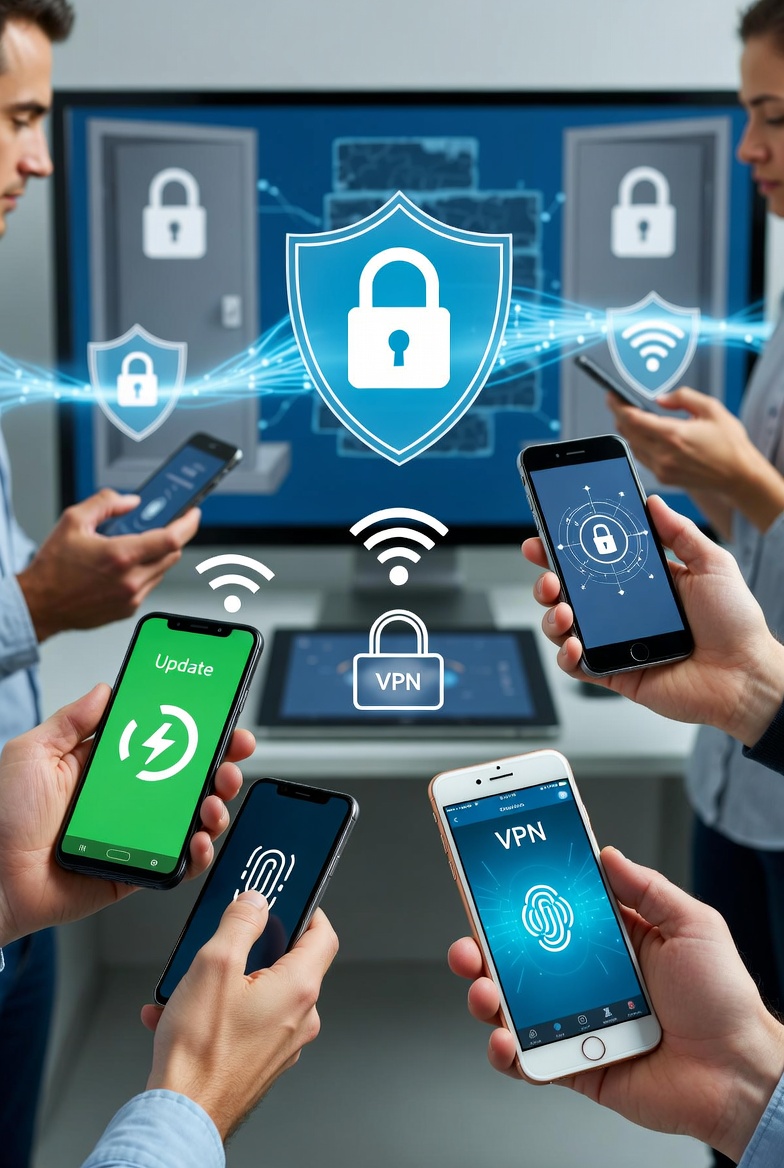
Hey everyone! In today’s digital world, our smartphones are like mini-computers holding our photos, emails, and banking info. Whether you’re Team Android or iPhone, keeping your device secure is crucial to avoid hackers, malware, and data breaches. Here’s a quick, beginner-friendly guide to beef up your phone’s security. No tech wizardry required!
For Android Users:
- Update Your Software Regularly: Go to Settings > System > System Update. Keeping your OS up-to-date patches vulnerabilities that cybercriminals love to exploit.
- Enable Two-Factor Authentication (2FA): For your Google account and apps, head to Settings > Google > Manage your Google Account > Security. Turn on 2-Step Verification – it’s like adding a deadbolt to your front door.
- Install Antivirus Software: Download a reputable app like Avast or Malwarebytes from the Google Play Store. Run regular scans to catch any sneaky threats.
- Lock Your Screen and Use Biometrics: In Settings > Security > Screen Lock, set a strong PIN, pattern, or use fingerprint/face unlock. Also, enable “Find My Device” for remote tracking if lost.
- Be App-Smart: Only download from trusted sources, and review permissions before installing. Avoid sideloading apps unless you’re sure they’re safe.
For iPhone Users:
- Keep iOS Updated: Tap Settings > General > Software Update. Apple pushes security fixes often – don’t ignore those notifications!
- Set Up Two-Factor Authentication: Go to Settings > [Your Name] > Password & Security > Turn On Two-Factor Authentication. This adds an extra layer for your Apple ID.
- Use Built-in Security Features: Enable Face ID or Touch ID in Settings > Face ID & Passcode. Also, turn on “Find My iPhone” in Settings > [Your Name] > Find My.
- App Privacy Controls: In Settings > Privacy & Security, manage what apps can access your camera, location, or contacts. Revoke permissions for apps you don’t trust.
- Avoid Jailbreaking: It might seem fun for custom tweaks, but it opens doors to malware. Stick to the App Store for downloads.
Pro Tip: Always use a VPN on public Wi-Fi and avoid clicking suspicious links in texts or emails.
If you’re in Canton, GA, Easley, SC, or surrounding areas and need expert help with phone setup, security audits, or troubleshooting – that’s where rhinotech comes in! At rhinotech, we specialize in managed IT services, including endpoint protection, ransomware defense, and personalized tech support for individuals and businesses. Whether it’s securing your mobile devices or setting up secure remote access, our team can prevent issues before they start and keep your tech running smoothly. Drop us a message or visit our site to learn more – we’re here to make tech hassle-free!
What security tips do you swear by? Share in the comments!